Support

Help with Vocabulary Daybreak, the app that expands your vocabulary in one minute a day.

Contact us
Email support@independencesupplyco.com and we'll reply within two working days. Please include your iPhone model and iOS version if something isn't working.

Common questions

How do I cancel Vocabulary Premium or the free trial?
On your iPhone open Settings › your name › Subscriptions › Vocabulary Premium › Cancel Subscription. Cancel at least 24 hours before the trial or period ends to avoid being charged.

How do I get a refund?
Purchases are made through Apple, so Apple handles refunds. Go to reportaproblem.apple.com, sign in with your Apple ID, choose "Request a refund" and pick Vocabulary Premium.

I subscribed but Premium isn't unlocked.
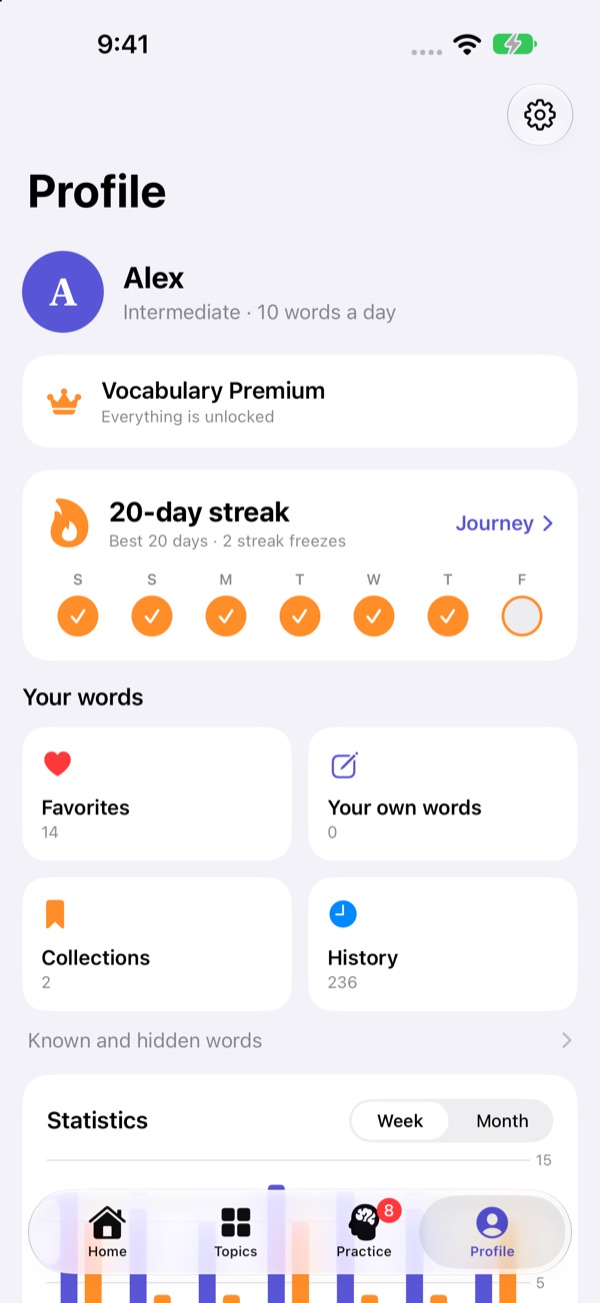
In the app, open Profile and tap Restore purchases. Make sure you're signed in with the same Apple ID you used to subscribe.

How do I add the Word of the Day widget?
Touch and hold an empty spot on your Home Screen, tap Edit › Add Widget, search for Daybreak and tap Add Widget.

Do I need an account?
No. An account is optional and only backs up and syncs your progress across devices (Profile › Account).

How do I delete my account?
In the app: Profile › Account › Delete account. This permanently removes your account and the data stored online. You can also email us to ask for deletion.

Can I see or get a copy of my data?
Yes. Email us from the address you signed in with, and we'll reply within one month. Without an account, your data never leaves your iPhone. See the Privacy Policy for details.

I'm not getting reminders.
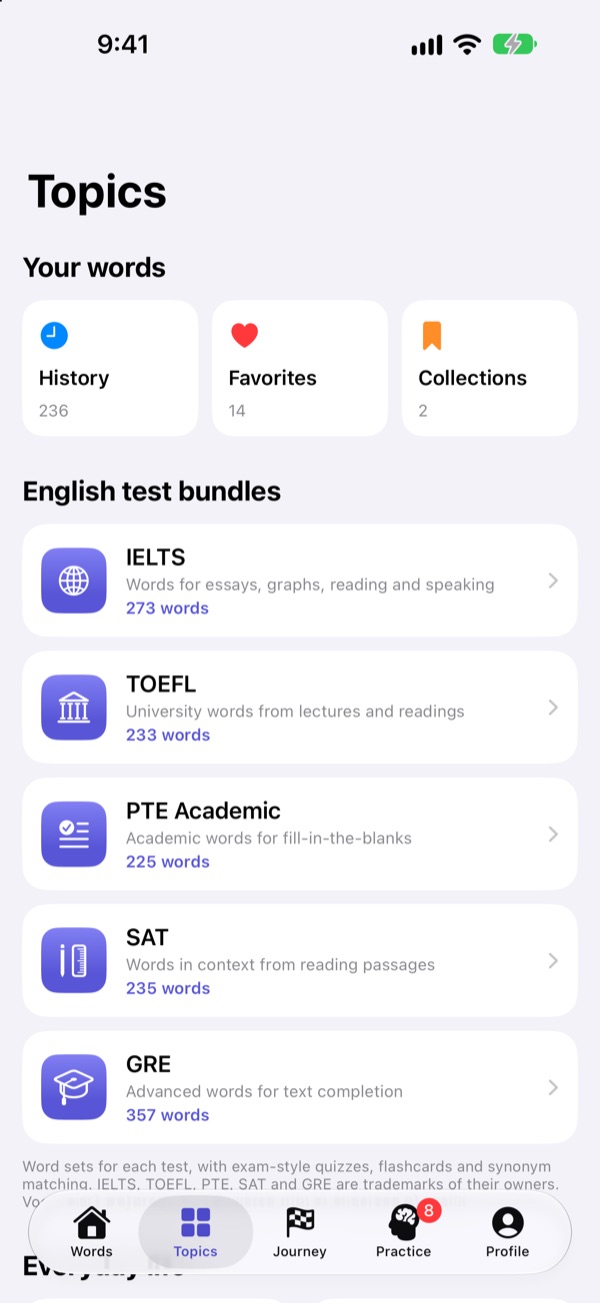
Check Profile › Reminders in the app, and iPhone Settings › Notifications › Daybreak.